
This tutorial describes the basic steps to configure a domain name on your Infrawire web hosting service.
Info — This guide concerns Infrawire web hosting. For domain names, you can order them on our site.
Prerequisites
- An active web hosting at Infrawire
- A domain name (purchased from Infrawire or elsewhere)
- Access to the client area (Plesk or Infrawire client)
Step 1: Access domain management
Go to the domain name management page of your registrar (OVH, LWS, Infrawire, etc.). If you don't know how to access it, feel free to contact your registrar's support.
Step 2: Configure DNS records
You need to create two A type DNS records to point your domain to our infrastructure.
| Type | Name (Host) | Target (Value) | TTL |
|---|---|---|---|
| A | @ | 185.46.112.2 | Default (or 3600) |
| A | www | 185.46.112.2 | Default (or 3600) |
Note: The @ symbol represents your root domain (e.g., your-domain.com). The www record allows access via www.your-domain.com.
Important: DNS propagation can take up to 24 hours to be fully effective worldwide, although it is often much faster (a few minutes to a few hours).
Step 3: Verify and activate SSL (HTTPS)
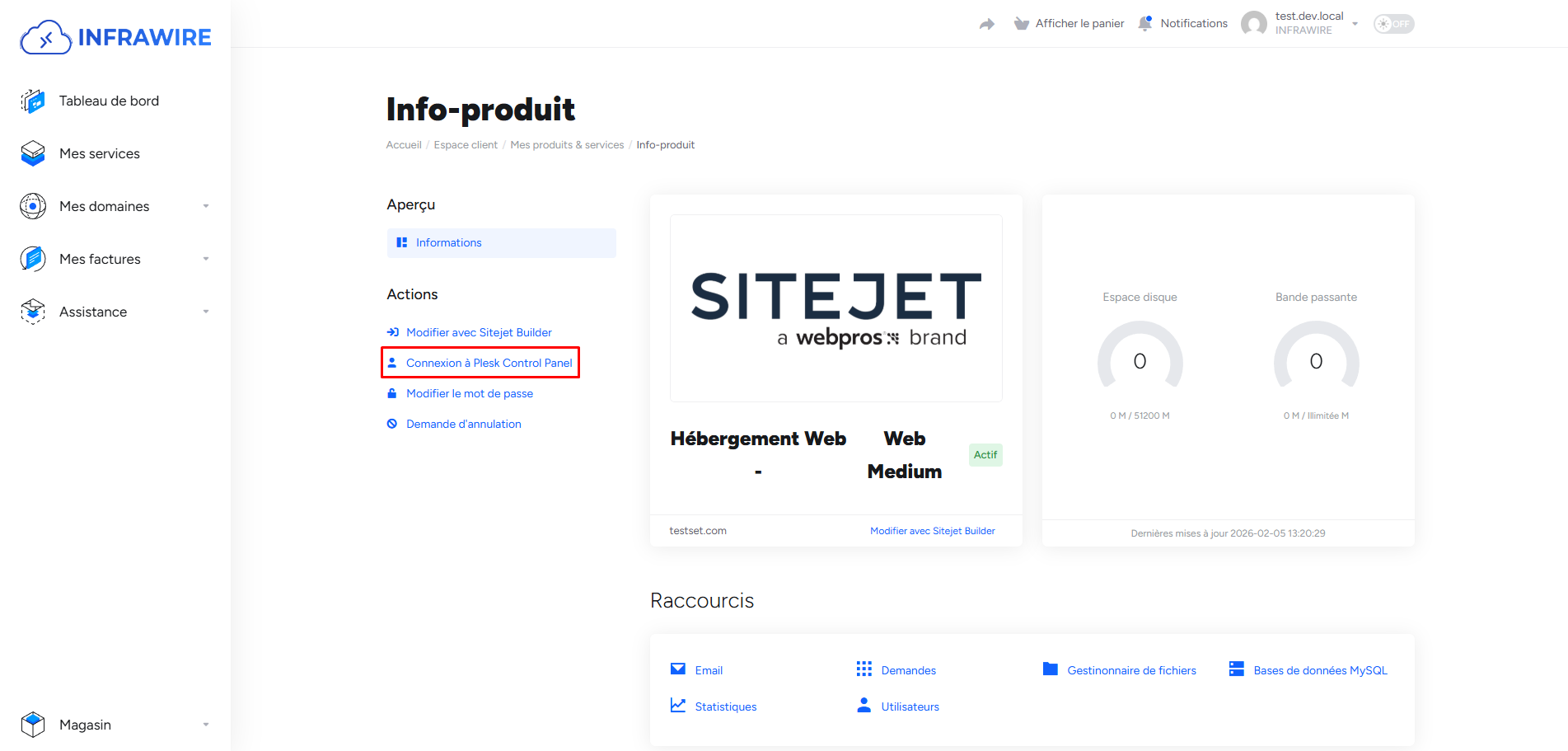
Go to your Infrawire client area, then to your web hosting and click on the "Login to Plesk Control Panel" button.
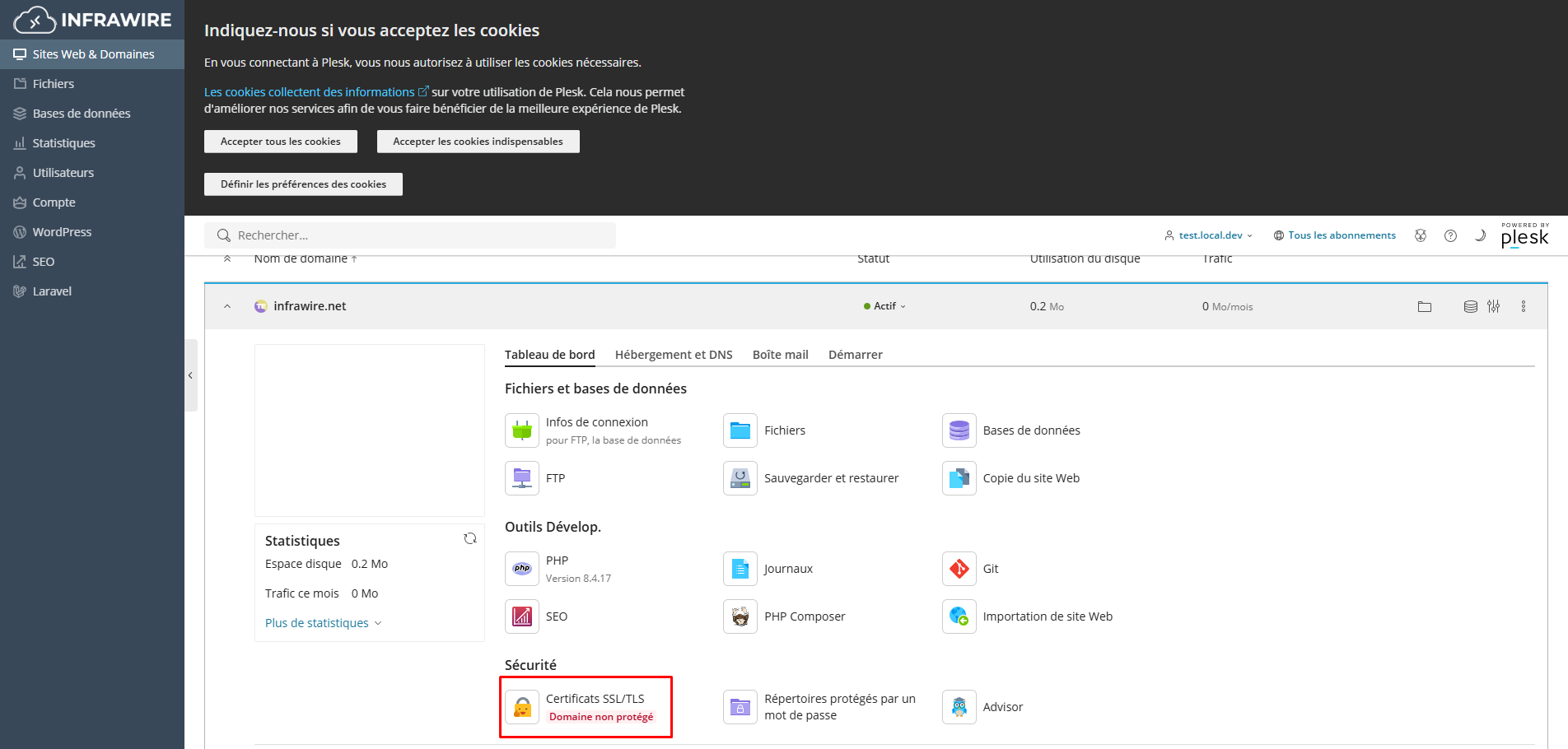
Once connected to your web hosting management area, click on the Security tab, then on "SSL/TLS Certificates".
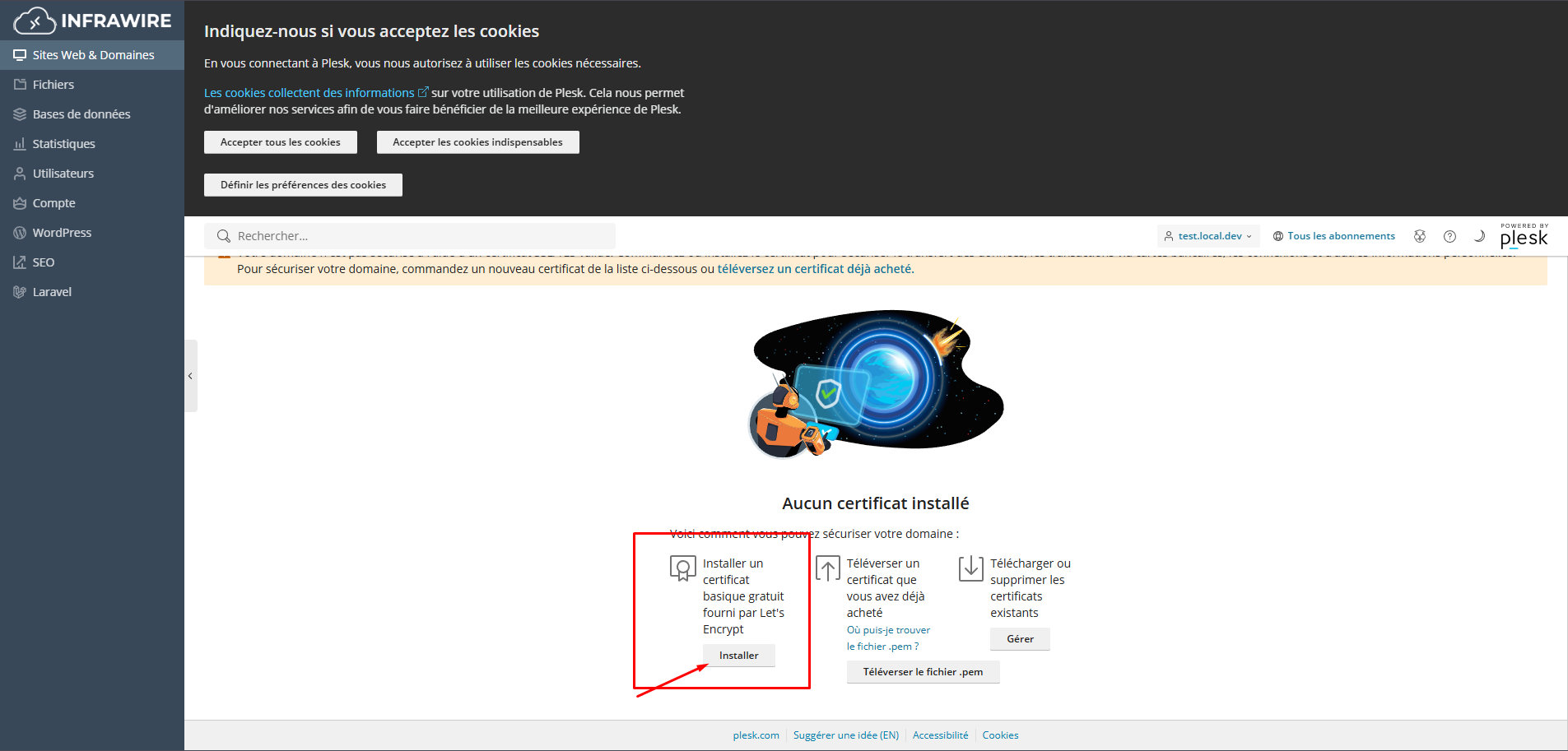
Then, click on the button "Install a free basic certificate provided by Let's Encrypt".
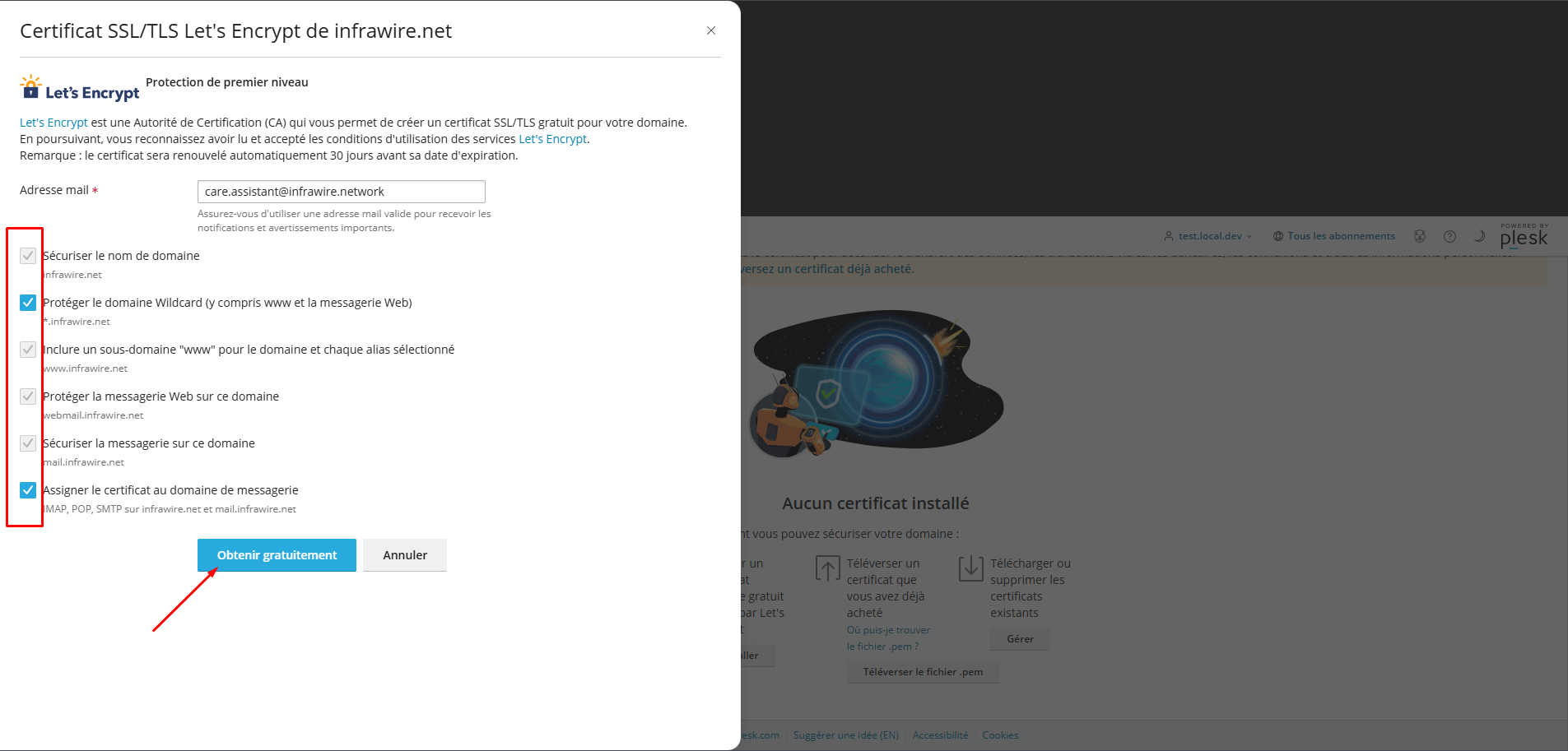
Next, a modal will open on your screen. Check all available options (including domain protection with and without www), then click on the "Get it free" button.
Then, wait a few moments while the checks are carried out by automated bots. Once finished, your SSL certificate is activated and your site is now accessible via HTTPS!
In case of problems
In case of doubt or blockage, Infrawire support can guide you: Contact / Support.